ErgoTrack
A bilingual ROSA assessment application that helps employees identify workstation risks and decide what to improve first.
Verified production footprint
Aggregate snapshot verified 29 August 2026
- production deployments
- 2
- participant records
- 306
- ergonomic assessments
- 570
Operational volume only. These figures do not claim a causal clinical or efficiency outcome.
Context
Rapid Office Strain Assessment covers chairs, posture, monitors, keyboards, phones, and work habits. The method is structured, but presenting every question at once creates a difficult employee experience and makes programme follow-up harder than it needs to be.
Problem
The assessment must preserve the method’s detail while helping a participant understand the next question. Programme teams also need to organise assessment rounds and review progress without exposing one participant’s information to another.
My role
I translated the ergonomics method into the digital flow, designed the bilingual experience, defined role-specific views, and implemented the application across the full stack.
What was built
- A section-by-section ROSA assessment.
- Save-and-return behaviour for participants.
- Separate tools for participants and programme administrators.
- Results organised around the workstation elements that deserve attention.
- Thai and English interfaces designed across desktop and mobile layouts.
Design story
Begin with a recognisable workstation
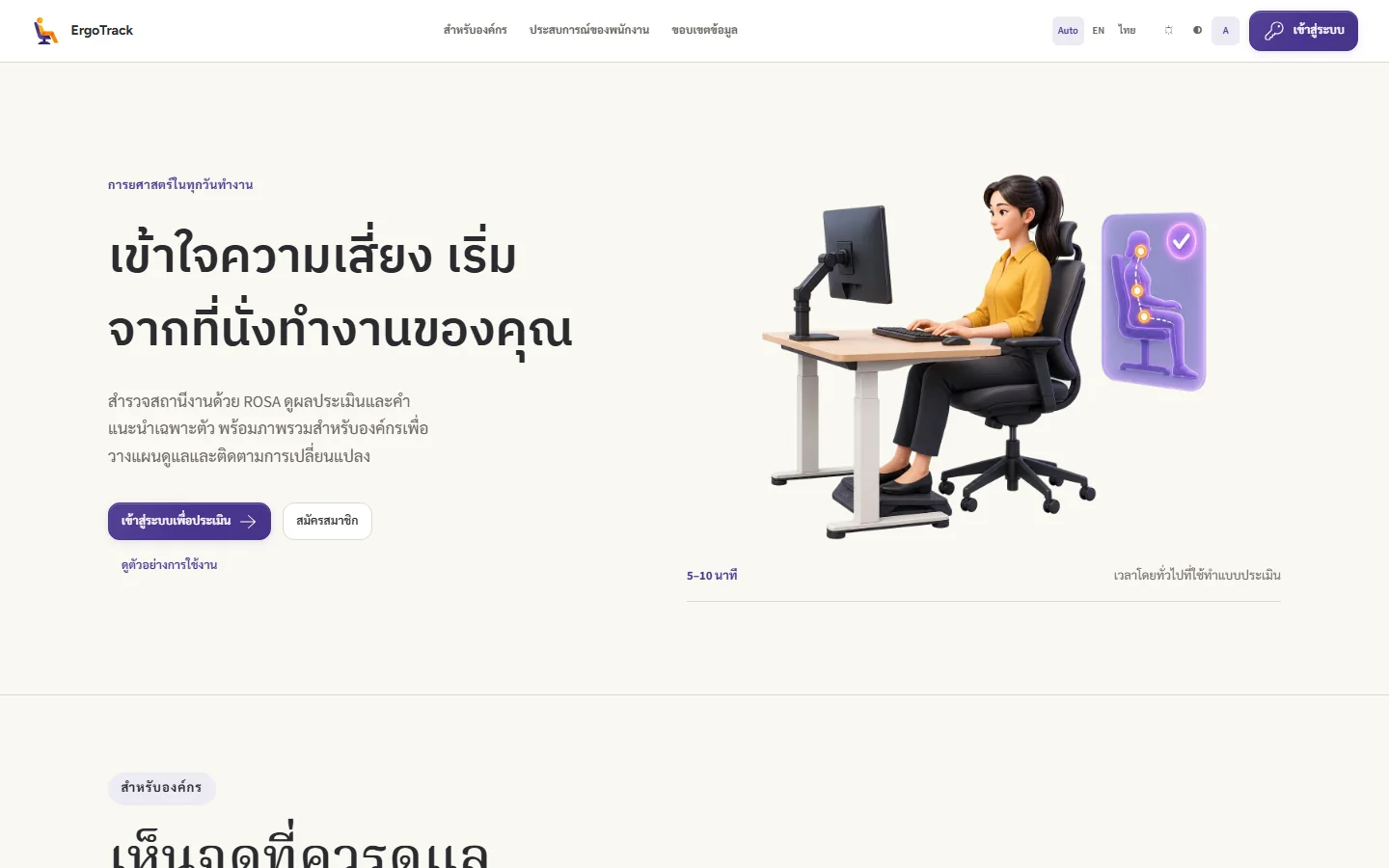
The landing page introduces the method through a chair, desk, and screen. The employee journey then breaks the workstation into parts, with illustrated choices that help a person describe what is in front of them. The method stays structured while its language stays approachable.
Connect an individual change to programme follow-up
Personal results focus on the workstation elements that need attention. The organisation's view concerns patterns, participation, and changes between assessment rounds. Explaining these two perspectives separately helps visitors understand the purpose of the system before signing in.
Key workflow
- Explain the assessment before asking the employee to sign in.
- Move through only the questions relevant to the current workstation section.
- Save progress when the assessment cannot be completed in one sitting.
- Present the result in a form that supports practical improvement priorities.
- Let programme staff review participation and follow-up within their authorised role.
Constraints
The interface has to simplify the journey without altering the underlying assessment logic. Results must support ergonomics action rather than read as a medical diagnosis, and responses remain private within authorised roles.
Verified operational footprint
The snapshot verified on 29 August 2026 covers two production deployments, with 306 participant records and 570 ergonomic assessments. These figures describe usage, not evidence that the system reduced ergonomic risk or musculoskeletal symptoms.
Implementation recorded in the original case study
Front end: Blazor WebAssembly, Microsoft Fluent UI and ECharts. Back end: ASP.NET Core (.NET 8), PostgreSQL and Entity Framework Core. Authentication: Suttisak.Blazor.Identity and Passkey.
These implementation details are retained from the original case study; this content refresh does not establish the application's current package versions.
Image and source notes
Public introduction, October 2026. Workstation imagery explains the assessment before sign-in.
Content refreshed on 7 November 2026 from the published Quack & Honk ErgoTrack page.